You can photograph the Moon with a smartphone and a telescope. The Moon is bright enough that you do not need a cooled astronomy camera, a guiding mount, or a laptop full of software. What you do need is patience, a careful alignment between phone and eyepiece, and a willingness to take a dozen frames to get one good one. The first image may look like a glowing blob. The next session can look remarkably sharp.
What You Actually Need
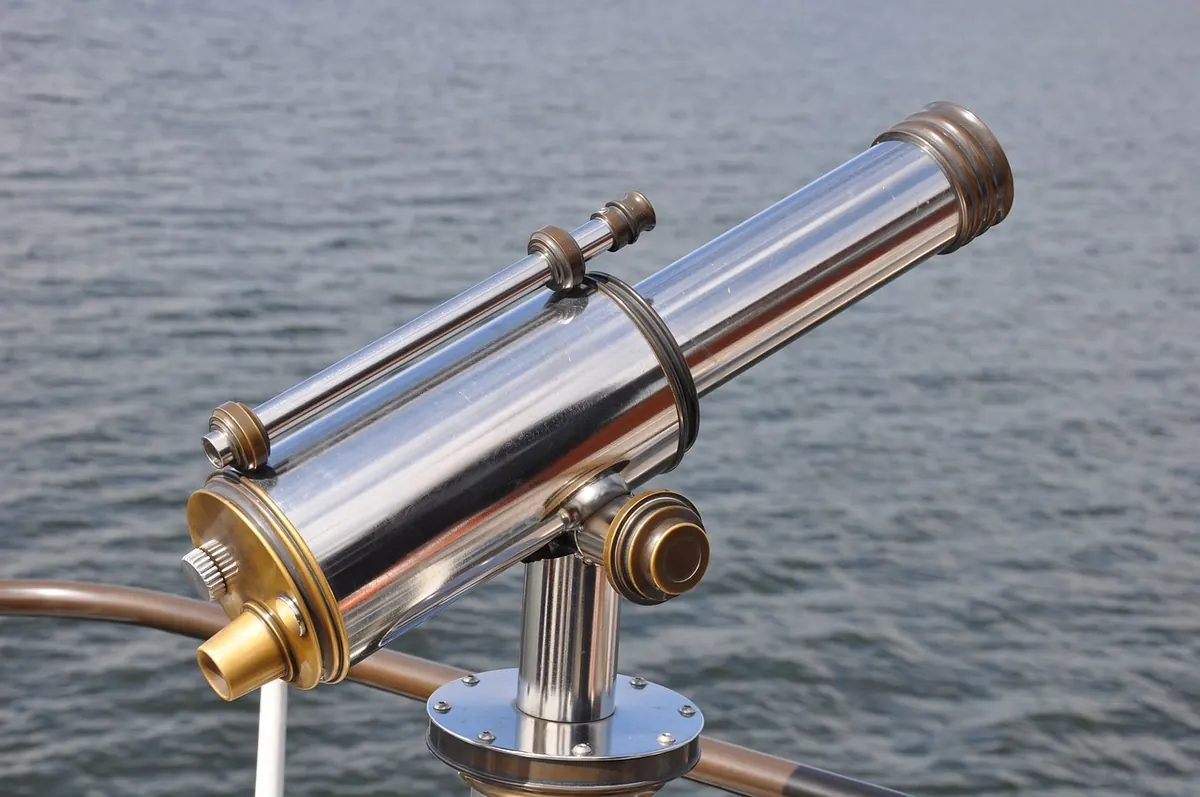
Keep the kit simple. A small refractor, a Maksutov, or even a decent spotting scope will show lunar craters well. The phone does the rest. Before you start, gather everything in one place so you are not hunting for a lens cloth in the dark.
- Your telescope on a stable mount. A wobbly tripod is the most common reason for soft lunar images.
- A low-to-medium power eyepiece. A 25 mm or 20 mm eyepiece is easier to work with than a high-power one. Start there.
- A smartphone adapter. A simple clamp that holds the phone over the eyepiece makes alignment repeatable. If you do not have one, you can still try handheld.
- A remote shutter or timer. Even a two-second delay helps. A Bluetooth remote is useful but not essential.
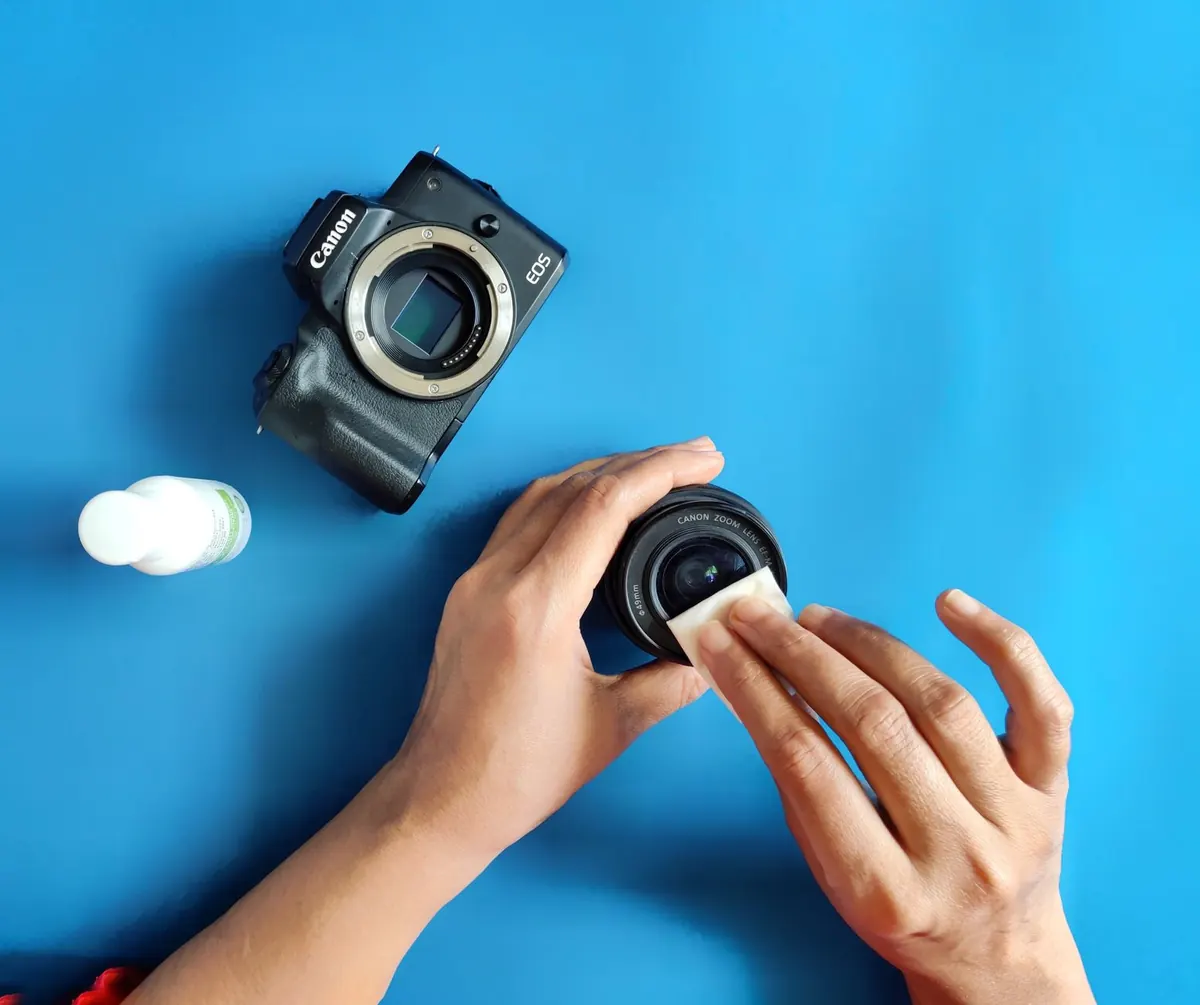
- A microfiber cloth. Fingerprints on the phone lens ruin contrast faster than you expect.
Use the phone’s main rear camera, usually the 1x lens. Avoid the ultra-wide camera; it introduces edge distortion and makes alignment harder. If your phone switches lenses automatically, turn that feature off in the camera settings before the session.
Attach the Phone Without Fighting It
Set up the telescope in daylight or twilight first. Point it at a distant chimney or antenna, focus the eyepiece, and then attach the phone. Doing this in the dark is possible, but it turns a five-minute job into a twenty-minute struggle.
- Put the low-power eyepiece in the telescope and focus on a distant terrestrial target.
- Clamp the adapter around the eyepiece according to its instructions. Most adapters hold the eyepiece first, then the phone.
- Open the camera app and slide the phone until the bright circle of the eyepiece fills the frame. Center it carefully.
- Tighten the adapter screws gently. Over-tightening can shift the phone or scratch the eyepiece barrel.
- Check that no vignetting—dark corners or a black ring—cuts into the image. Adjust the phone distance slightly if it does.
If You Do Not Have an Adapter
Hold the phone with both hands and brace your elbows against the telescope or a table. Rest the phone’s camera bump lightly against the eyepiece rubber. It is fiddly, but it works for a few frames. Take more shots than you think you need, and avoid breathing on the eyepiece.
Focus the Telescope First, Then the Phone
Point at the Moon and use the telescope’s focuser to make the edge of the lunar disk as crisp as possible. Look for the terminator—the line between light and shadow—where craters show the most contrast. That edge is a better focus target than the flat, bright center of a full Moon.
Once the telescope is focused, let the phone’s autofocus settle. Tap and hold on the lunar disk until the focus and exposure lock. If your camera app has a focus magnifier or focus peaking, use it. Small movements matter here: a quarter turn of the telescope focuser can be the difference between a soft rim and a sharp one.
Lock Exposure Before It Drifts
The Moon is bright, and phone cameras often overexpose it into a white disk. After locking focus, drag the exposure slider down until surface detail appears. If your app shows a histogram, keep the bright areas from clipping at the right edge. You want the brightest crater rims to stay just below pure white.
Set Exposure for a Bright, Not Blown-Out Moon
Turn off flash, HDR, and night mode. Night mode tends to smear lunar detail and brighten the sky around the Moon. If your phone has a Pro or manual mode, use it. A sensible starting point is ISO 100 and a shutter speed around 1/125 second, then adjust from there. These are starting values, not rules; the correct exposure depends on the telescope, eyepiece, and how high the Moon is.
- Too bright? Use a faster shutter speed or lower ISO.
- Too dark? Use a slower shutter speed, but keep it fast enough to avoid blur from telescope movement.
- No detail in the bright areas? Lower exposure compensation before changing anything else.
- Odd color? Set white balance to daylight or auto, then correct later if needed.
Avoid digital zoom beyond a modest crop. It does not add detail; it only magnifies pixels. If the Moon looks small in the frame, that is fine. You can crop later and keep a clean, sharp original.
Take the Shot Without Shaking the Setup
Use a two-second or ten-second timer. If your phone supports a voice shutter, use that instead of tapping the screen. Tap the screen once to focus and set exposure, wait for the image to settle, then trigger the shutter without touching the telescope.
Take a short burst of frames rather than one perfect shot. Atmospheric turbulence makes the Moon shimmer, and some frames will be sharper than others. On nights of poor seeing, wait a few minutes and try again; the Moon often steadies briefly. Keep the Moon away from rooftops and heat sources if you can, since rising warm air softens the view.
If you want to try video, record a short clip at the highest resolution your phone allows, then extract a sharp frame later. This is a forgiving way to work when the mount is not perfectly steady.
Edit Lightly and Keep the Craters
Crop to the lunar disk, then adjust contrast and highlights with restraint. A little clarity or texture can bring out crater walls, but overdoing it creates halos and artificial edges. Keep the blacks dark and the bright rims detailed. If you take several good frames, you can stack them later with free software, but a single well-exposed frame is a perfectly good first result.
Save the original file before editing. Phone edits are easy to overdo, and it helps to compare your processed image with the unedited version. The goal is a natural-looking Moon, not a gray disk with crunchy edges.
A Short Checklist for Your First Session
Set up before dark, align the phone in twilight, and use a low-power eyepiece to start. Focus on the lunar terminator, lock exposure, and use a timer. Take more frames than you need, then choose the sharpest one. If the first attempt disappoints you, change one thing at a time: focus, exposure, or steadiness. That is how the image improves.
- Stable mount, main camera lens, adapter secure.
- Low-power eyepiece, terrestrial focus first.
- Tap and hold to lock focus and exposure.
- Timer on, flash off, night mode off.
- Shoot a burst, keep the sharpest frame, edit gently.
Photo: 742787 / Pixabay